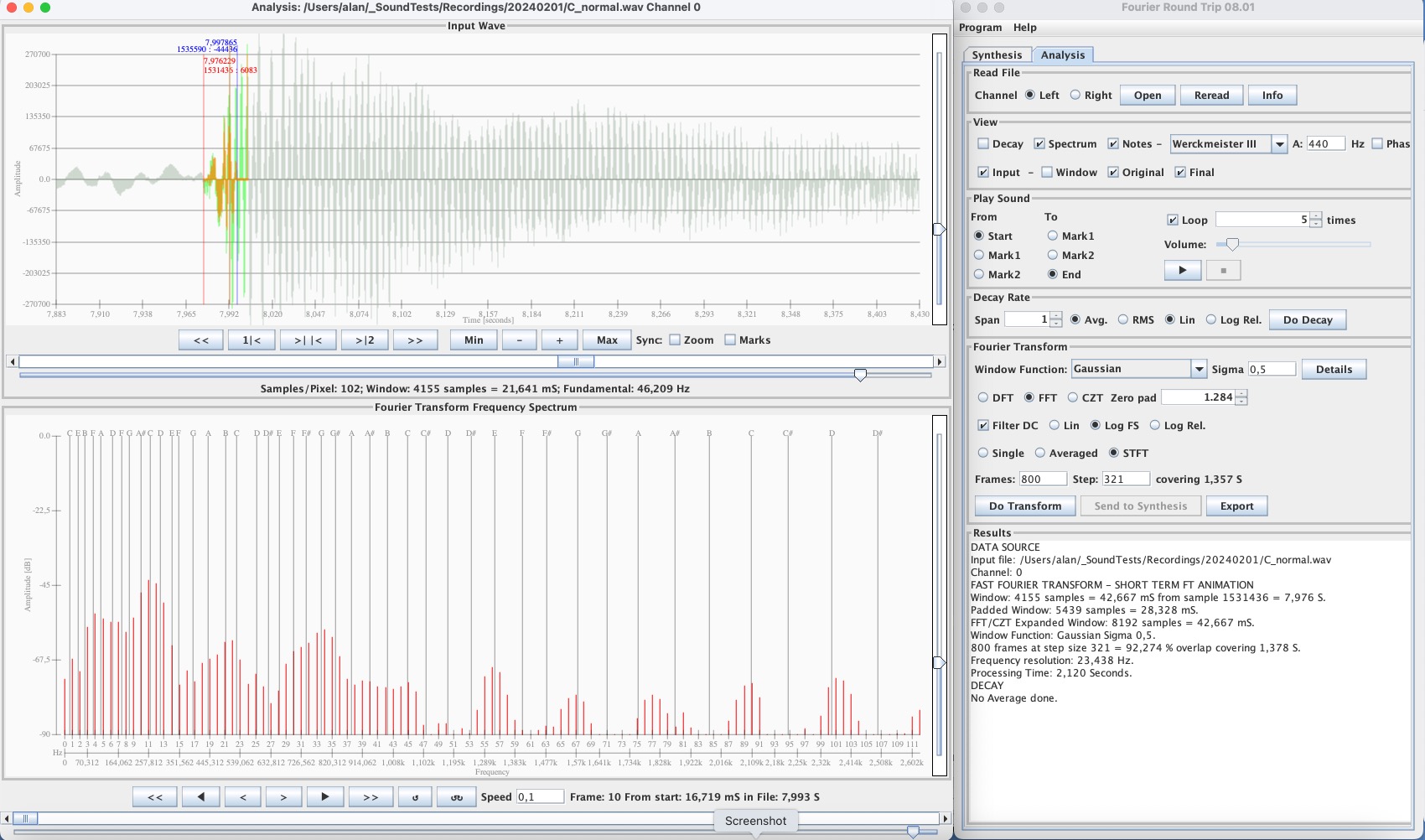
Fourier Round Trip
The Fourier Round Trip program is intended for exploring wave forms produced by harmonics or overtones, for example the sound waves produced by musical instruments, or any other type of wave.It has two main functions, synthesis and analysis.
It can be used as an educational tool to experiment with wave synthesis and Fourier analysis and as a tool to analyse any type of wave that can be read from a .wav file.
Release Notes Version 10.02
Errors Corrected
- Analysis: corrections to import of parameters, e.g. transform type, averaging.
Enhancements
- Analysis: Inharmonicity in cents added to interpolation table.
- Analysis: Button for import parameters separated into transform and interpolation
- Analysis: Cumulative Line Spectrum added.
- Synthesis: Exponential decay added to sound.
Features
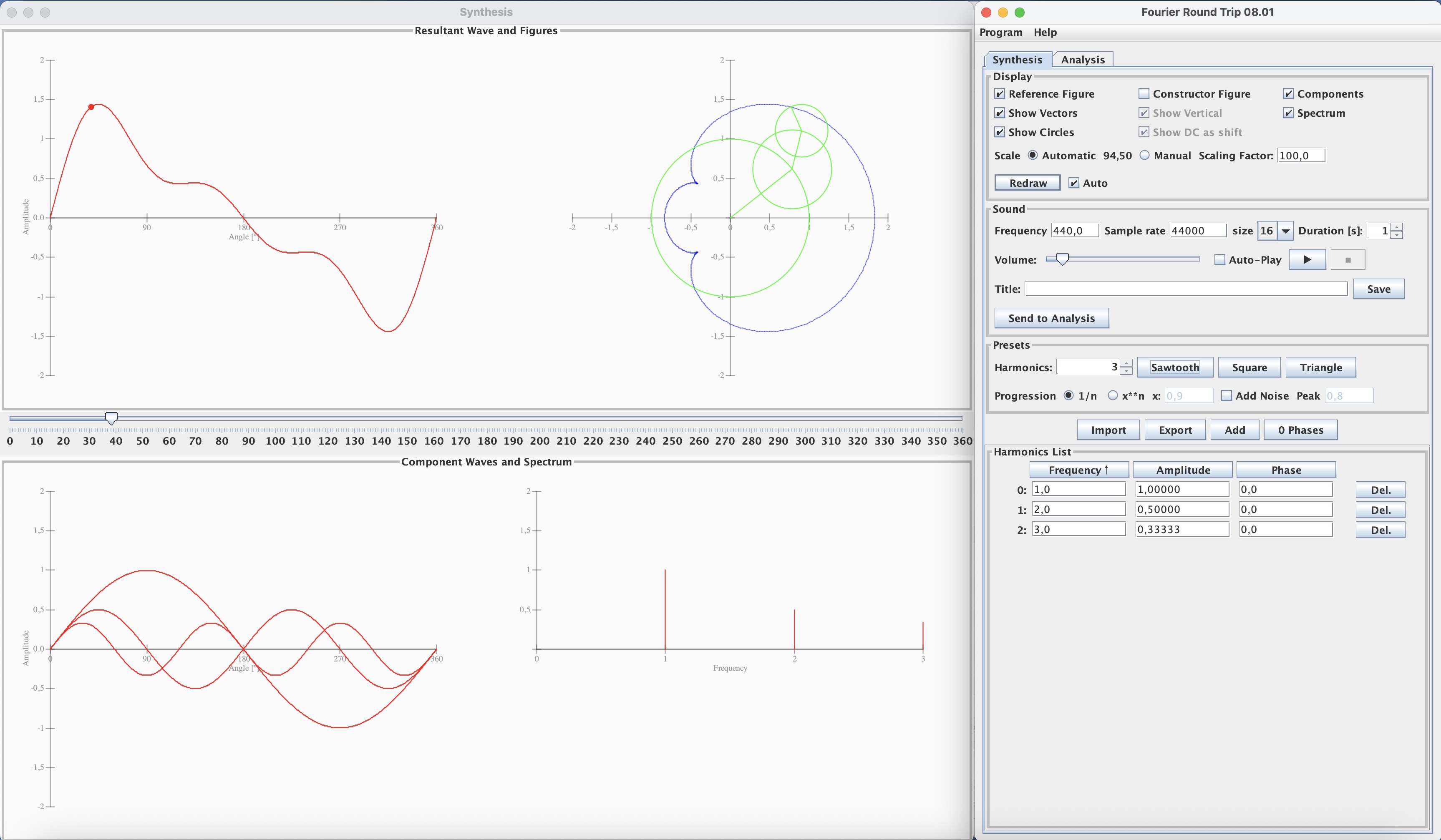
Synthesis to build up a wave from its harmonics:
- Visualisation of the component waves, frequency spectrum, resultant wave
- Visualisation of the constructor and generator figures.
- Traverse the angles showing the vectors of the reference figure and the projection of the constructor figure to the wave.
- Preset the component waves for sawtooth, square or triangular waveforms. Sawtooth and square waves can have linear or exponential amplitude progressions.
- Add random noise.
- Edit the frequency, amplitude and phase of each harmonic.
- Sort the harmonics by frequency, amplitude or phase
- Export the harmonics to a CSV-file and import them.
- Play the resultant wave at any frequency and for any duration.
- NEW: Add an exponential decay to the sound
- Save the resultant wave to a WAV sound file.
- With a user-defined frequency and sample rate.
- With a user-defined title in the metadata.
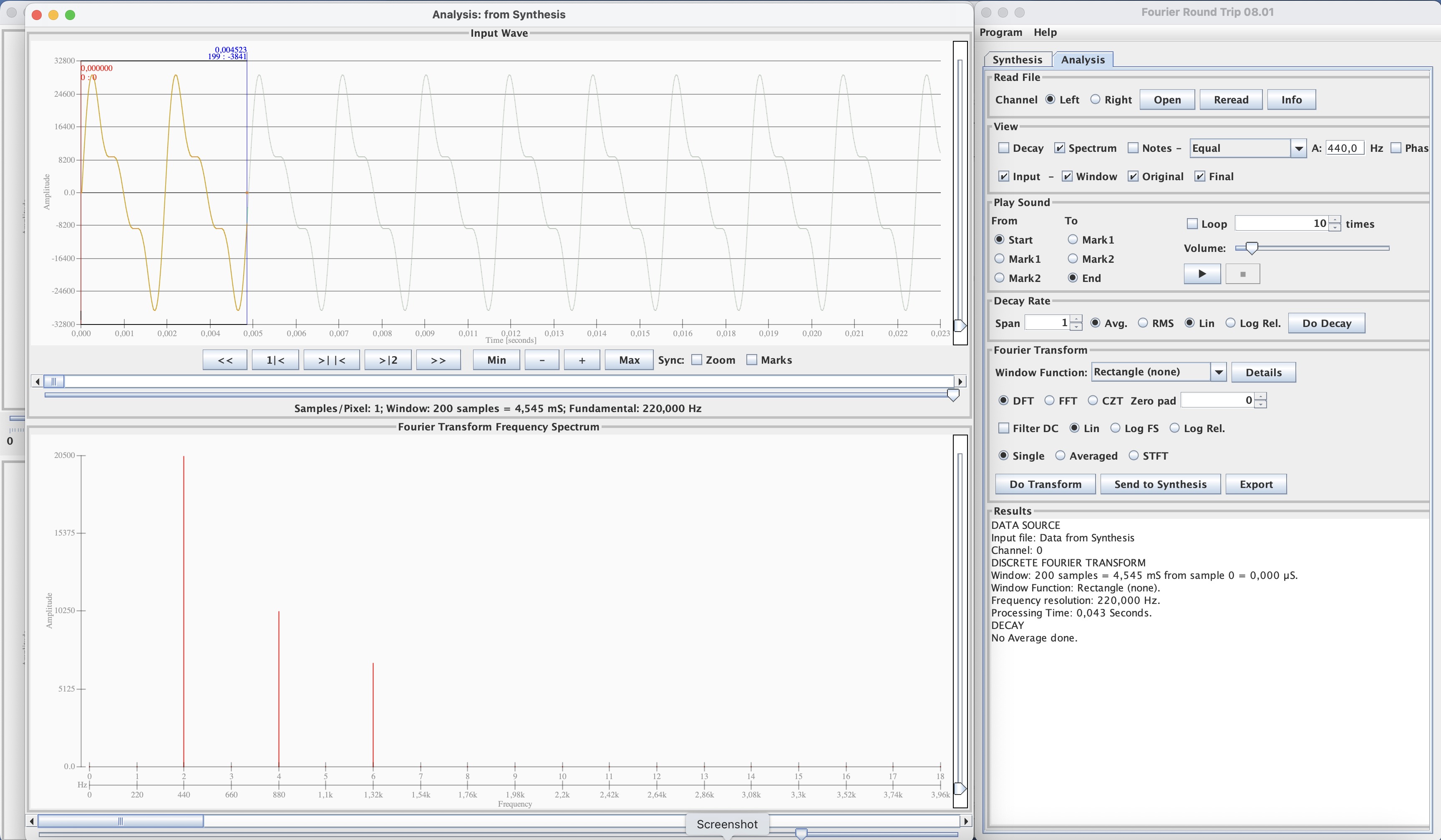
- Send the resultant wave directly to the Analysis function.
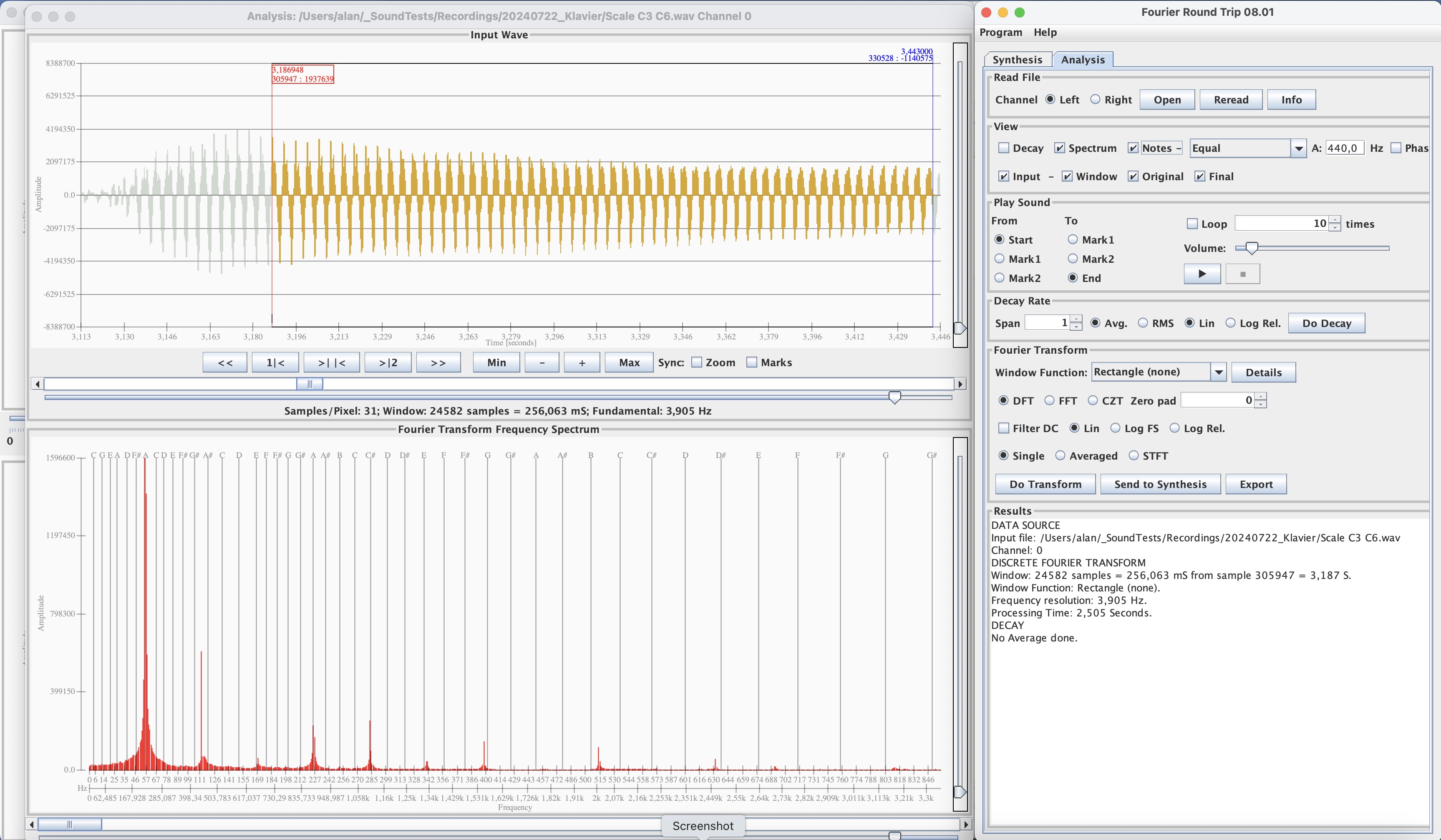
Analysis to perform Fourier analysis of a sound file:
- Read a WAV sound file and display the waveform of left or right channel.
- Display the meta-data from the file.
- Zoom and pan the wave plot over time. (x-axis)
- Zoom the wave plot amplitude (y-axis).
- Select a window (or frame) for analysis.
- Apply a variety of window-functions to the frame.
- Show the window-function, its transform and main parameters.
- Pad the frame with zeros to increase frequency resolution.
- Play any section of the sound as a loop.
- Perform a Discrete Fourier Transform (DFT).
- Perform a Fast Fourier Transform (FFT).
- Perform a Chirp Z-Transform (CZT) of part of the frequency spectrum.
- Perform a Short Time Fourier Transform STFT over multiple frames of DFT, FFT or CZT.
- Average the transform of multiple frames of DFT, FFT or CZT.
- Apply a DC filter before transform.
- Visualise analysis results as frequency and phase spectra.
- Visualise the STFT result in an animated spectrum.
- Zoom and pan the frequency axis of the resulting spectrum.
- Use linear or logarithmic (dB) scales for amplitudes.
- Find peaks in spectrum and interpolate them with a choice of methods.
- NEW: Show inharmonicity values for peaks as a coefficient or in cents.
- NEW: Show the cumulative line spectrum.
- Superimpose harmonics from a variable frequency onto the spectrum.
- Superimpose notes of the musical scale in a selectable temperament onto the spectrum.
- Export the analysis results as a CSV-file.
- Send analysis results to the Synthesis function.
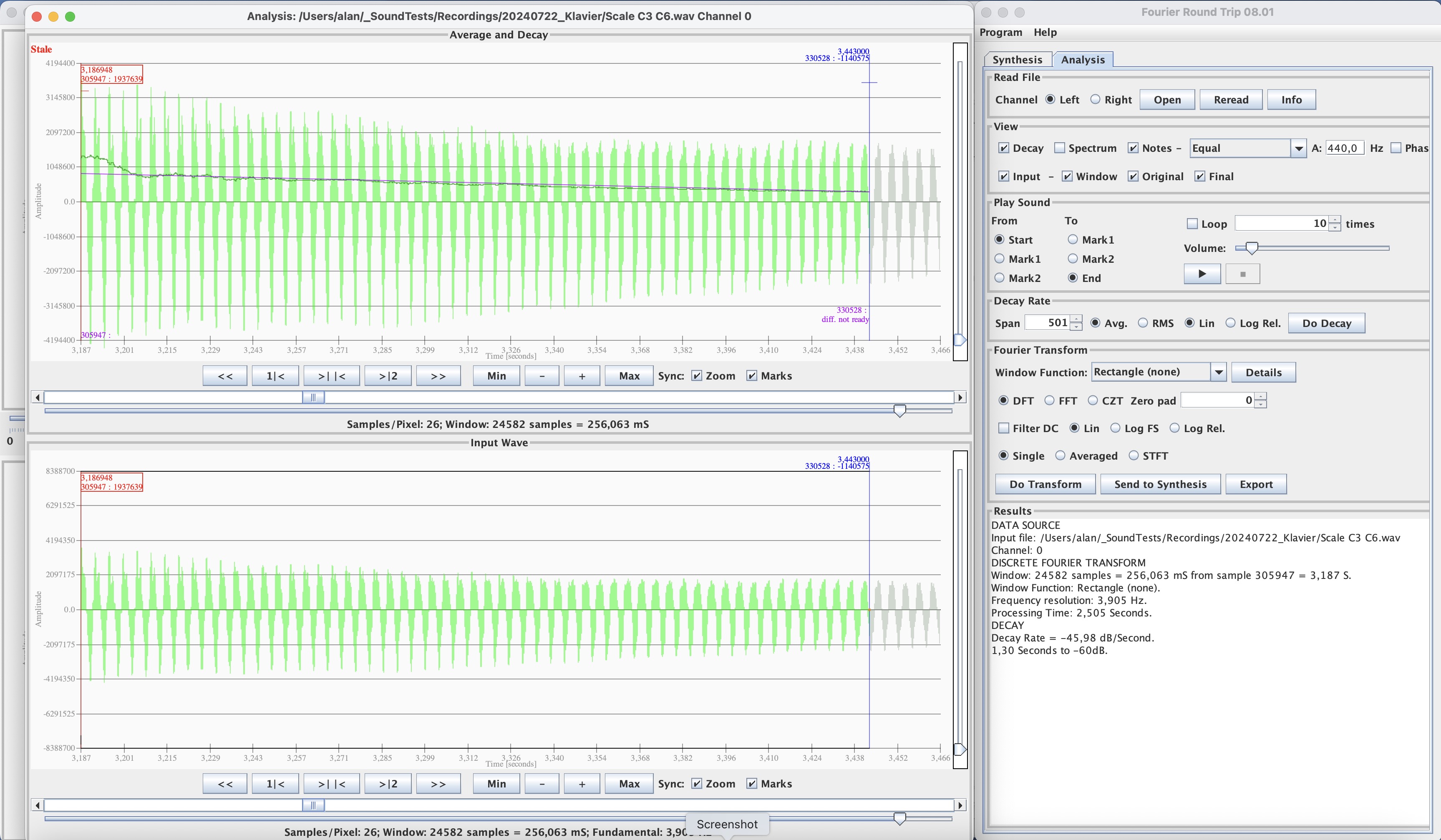
- Analysis of Decay Rate of a sound file
- Averaging of the wave with variable span.
- Linear interpolation of decay.
- Linear or Logarithmic (decibel) scales.
- Export and import all settings and parameters for reproducible results.
- Change the colours of diagram components.
The User Manual includes come theoretical background information, ideas for possible uses, some experiments to demonstrate some of the theory and documentation of the window functions.